-
 User Group Visibility Control:
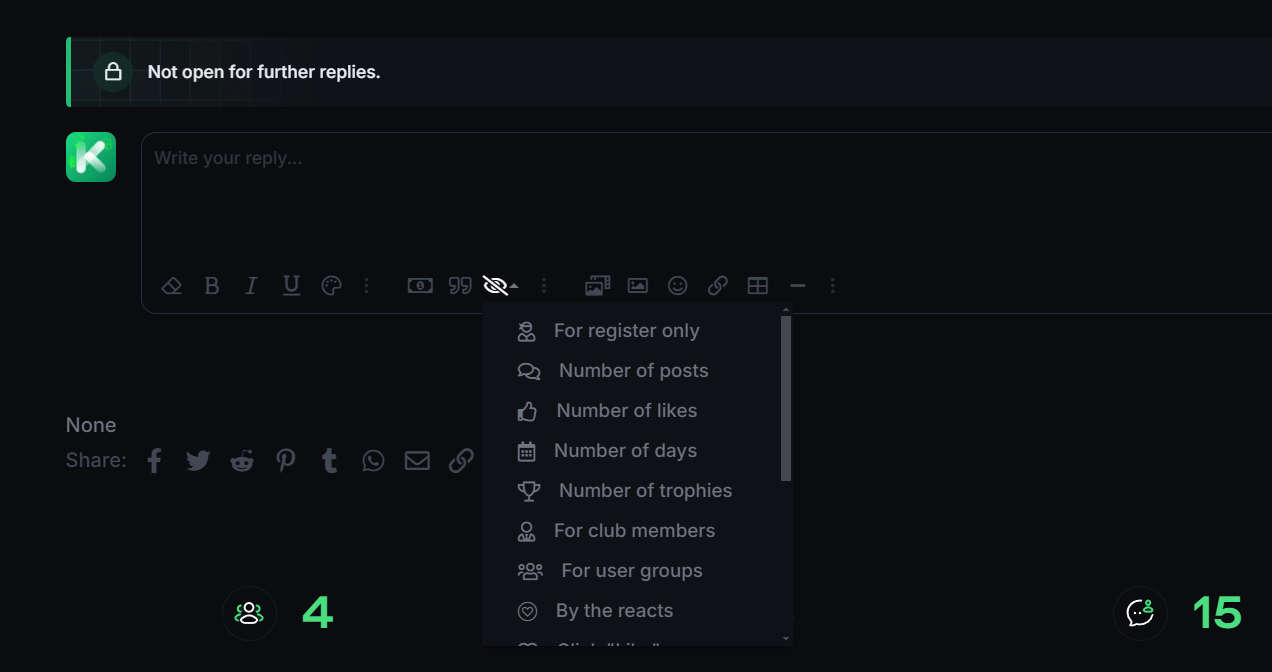
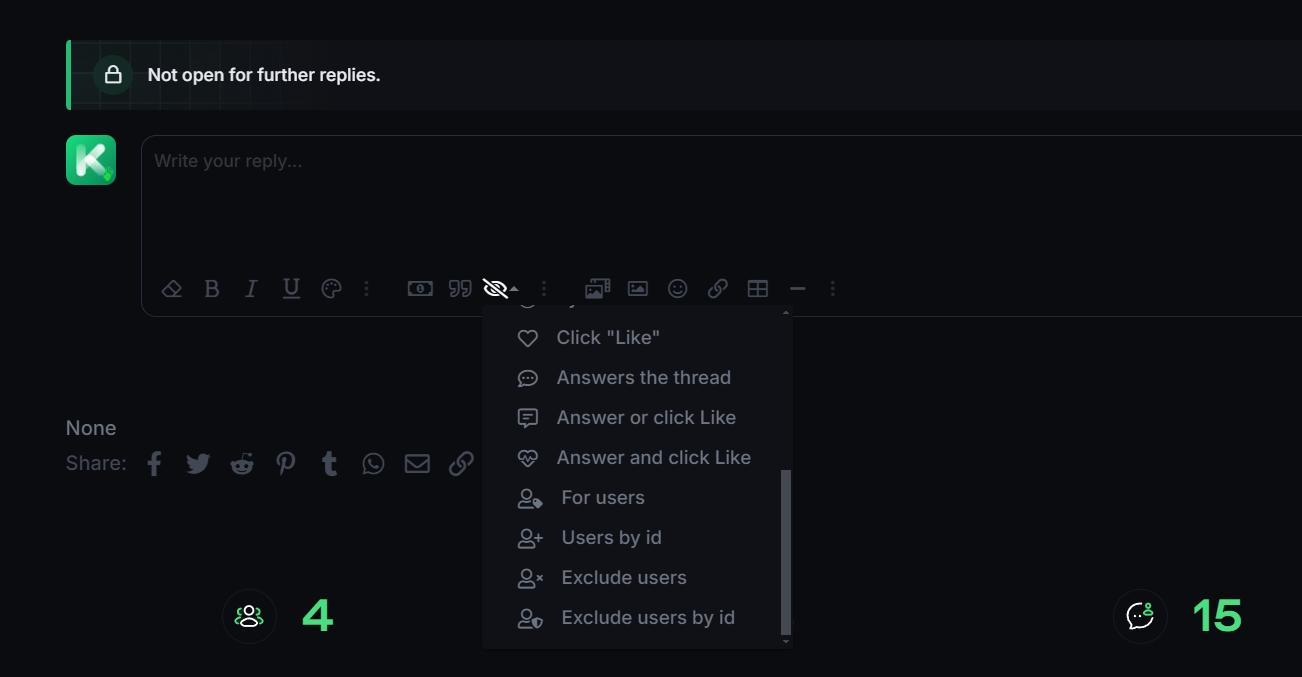
Allows admins to define which user groups can view hidden content wrapped in BB-Codes. For example, you can restrict the visibility of certain content to premium members or moderators only.
-
 Granular Permissions:
The addon provides fine-grained control over who can see specific BB-Coded content by linking visibility to user groups. This enables you to restrict access to content for different segments of the community.
-
 Custom Permissions for Threads/Posts:
Configure whether a specific thread or post can display hidden BB-Code content for different user groups, even on a per-post basis.
-
 Conditional Logic for Content Visibility:
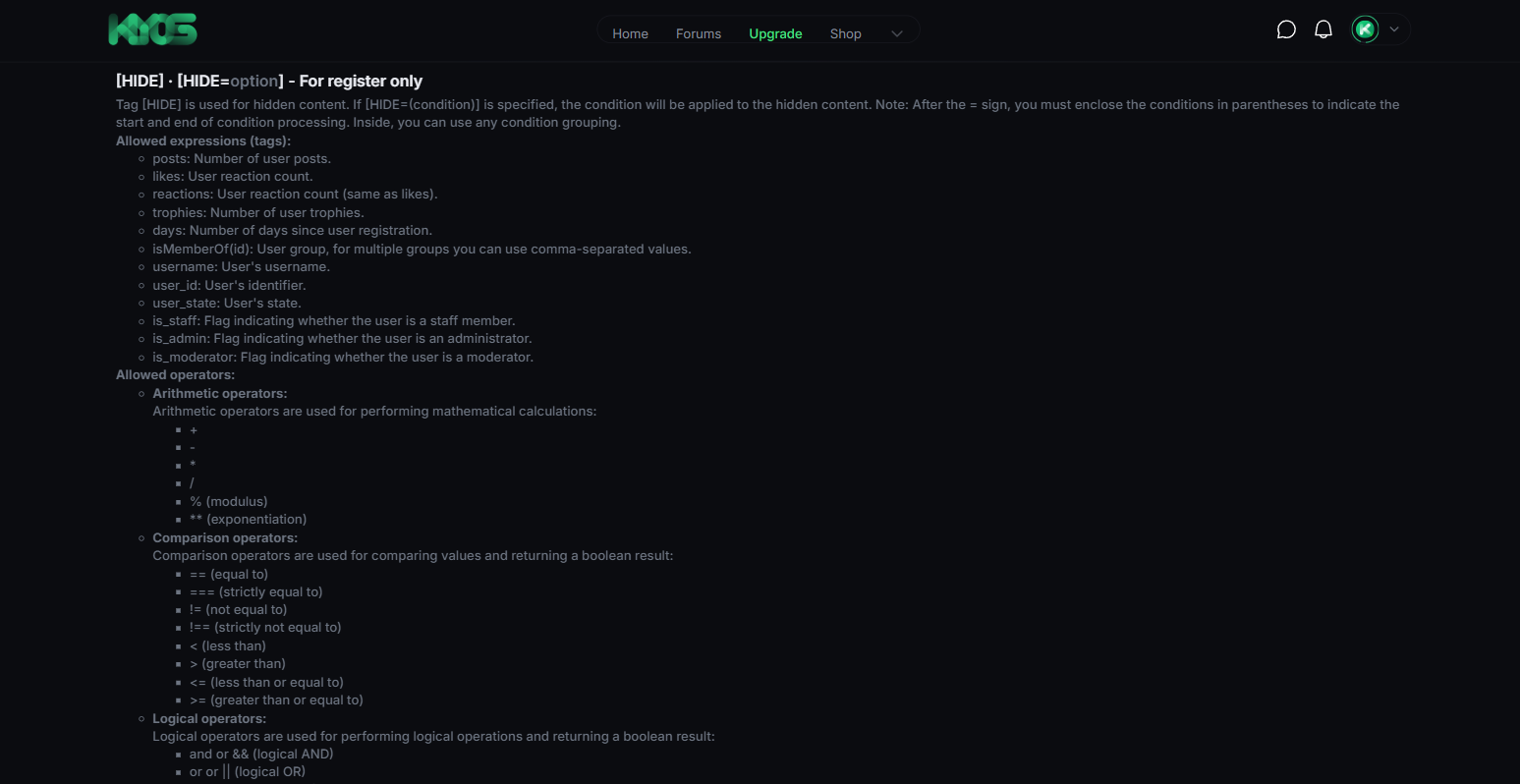
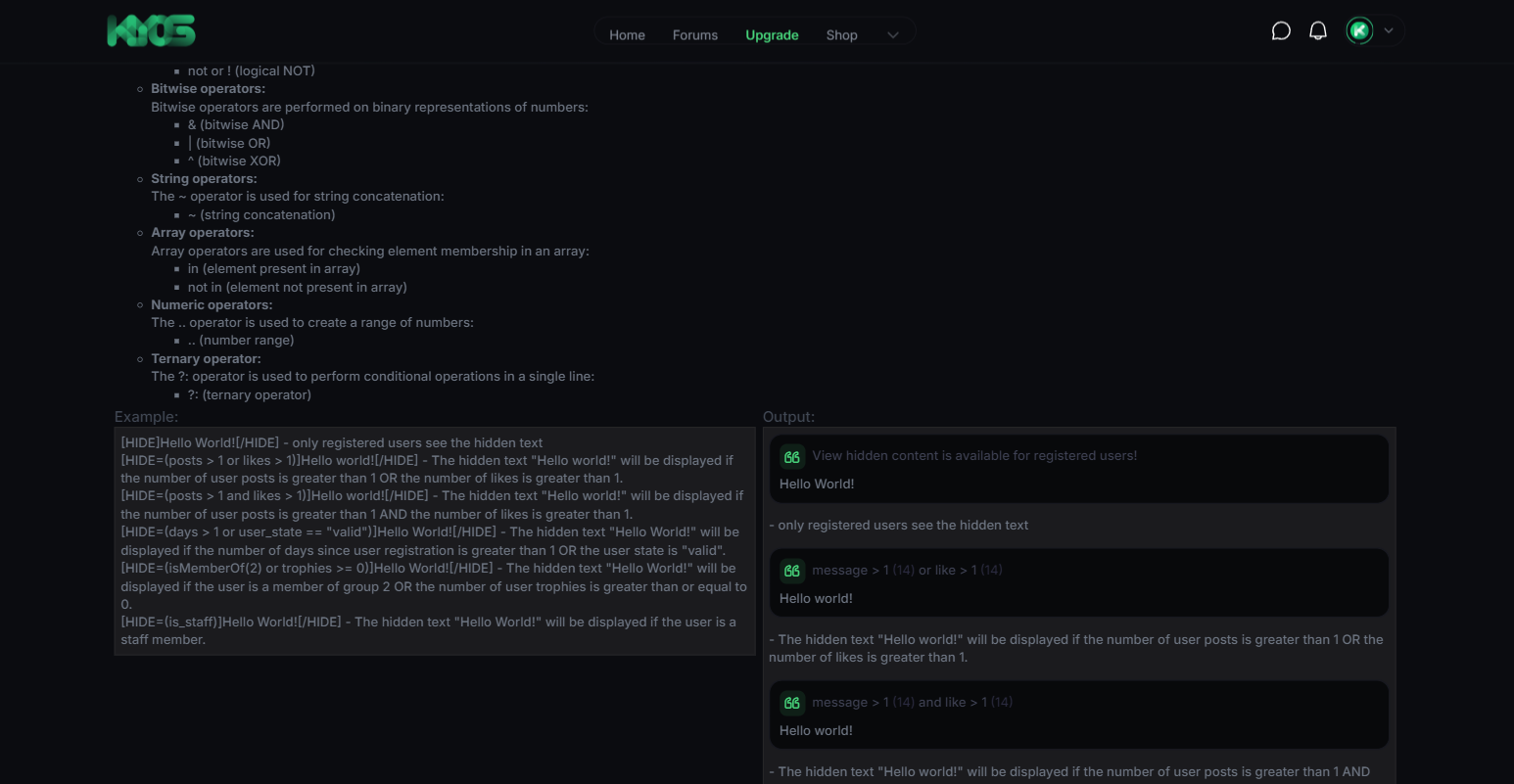
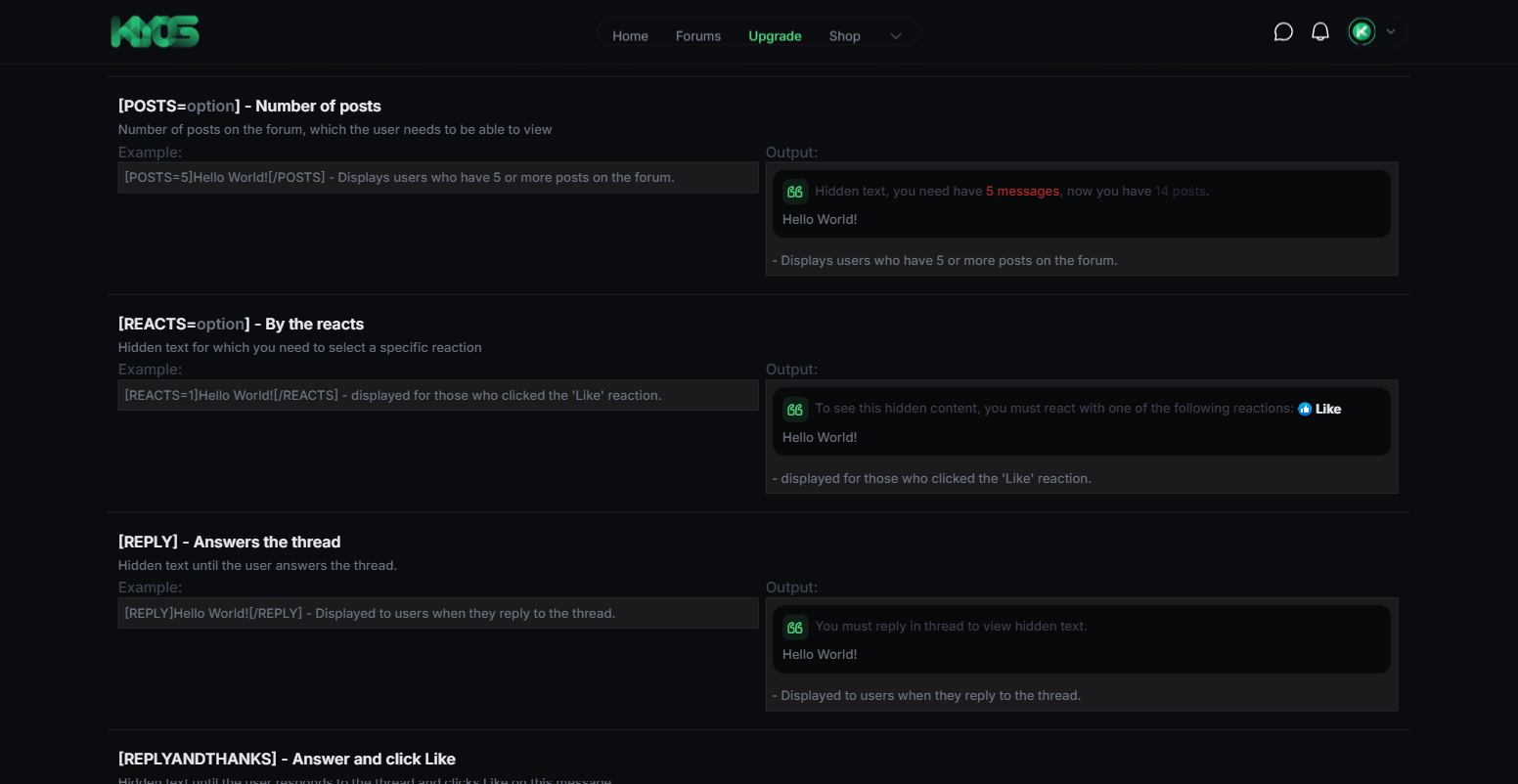
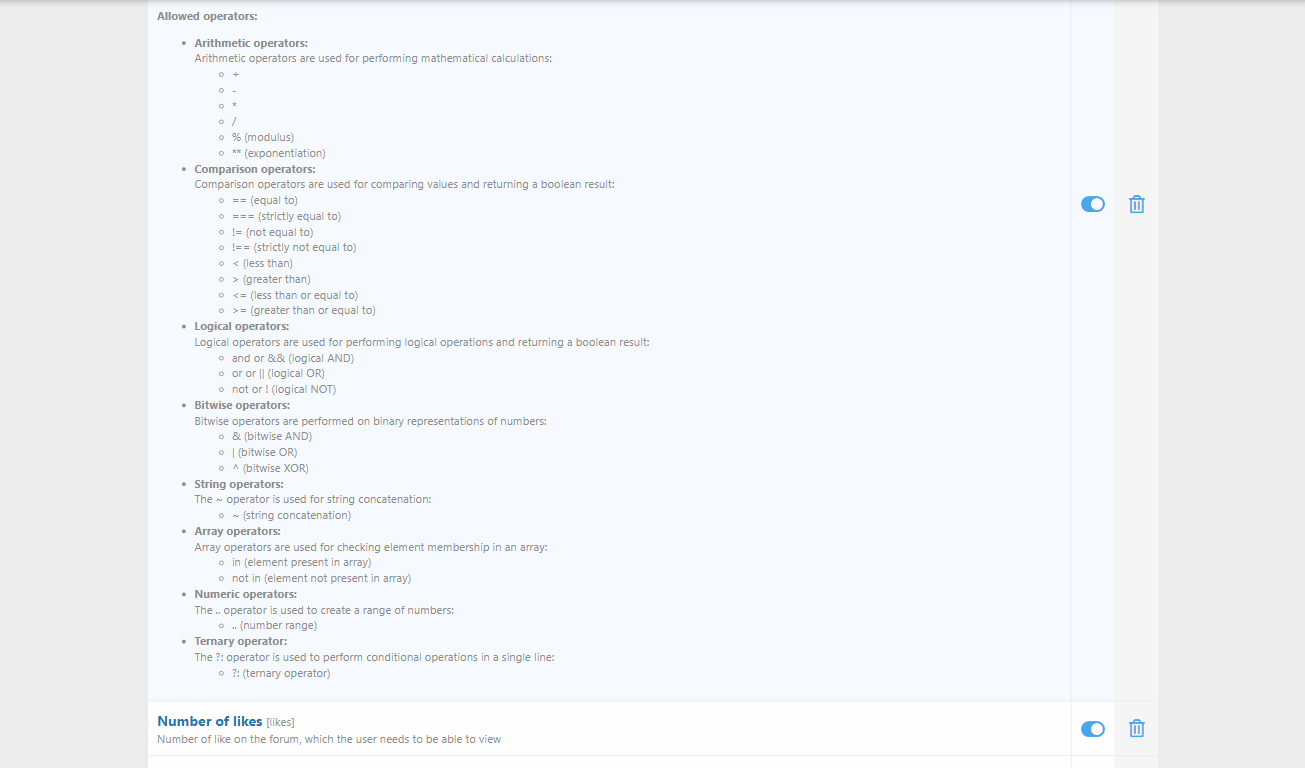
Admins can set conditions under which the hidden content is revealed. For example, you can create rules where the hidden content becomes visible only after a user has made a certain number of posts, or after a user has been a member for a specific amount of time.
-
 Spoiler Tags & Hiding Content for Specific Scenarios:
Perfect for hiding spoilers, hidden messages, or secret information. Content wrapped in the hidden BB-Code tags will be visible only if the conditions are met, such as a user being logged in or having a certain permission level.
-
 Custom BB-Codes for Hidden Content:
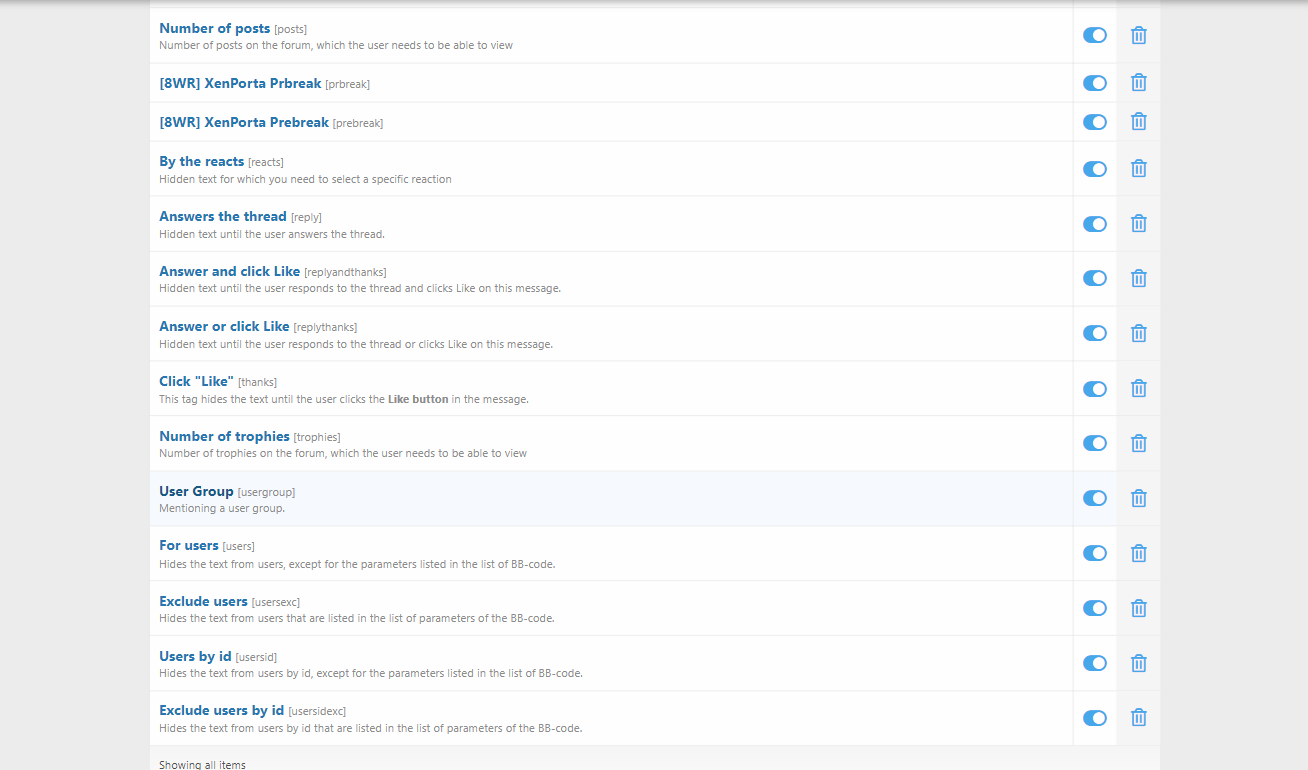
The addon introduces custom BB-Codes that can be used within threads and posts to wrap content you want to hide. For example, [hidden]This content is only visible to authorized users[/hidden].
-
 Flexible Content Markup:
Administrators can define the syntax of the custom BB-Codes, allowing you to create unique BB-Codes that are suited to your forum’s needs, such as [premium] or [mod_only].
-
 Category-Specific Restrictions:
If you want certain content to be visible only within certain categories (such as VIP or admin-specific forums), you can apply visibility rules based on the category or thread type.
-
 Thread-Specific Content Hiding:
Hide content in specific threads without affecting the rest of the forum. This feature is ideal for sensitive or restricted content that should only appear in particular discussions.
-
 User Interaction and Spoiler Management:
The addon can be used to hide spoilers, spoilers for movie/TV series, games, and other media. This makes it a great tool for ensuring your members can share spoilers without ruining the experience for others.