-
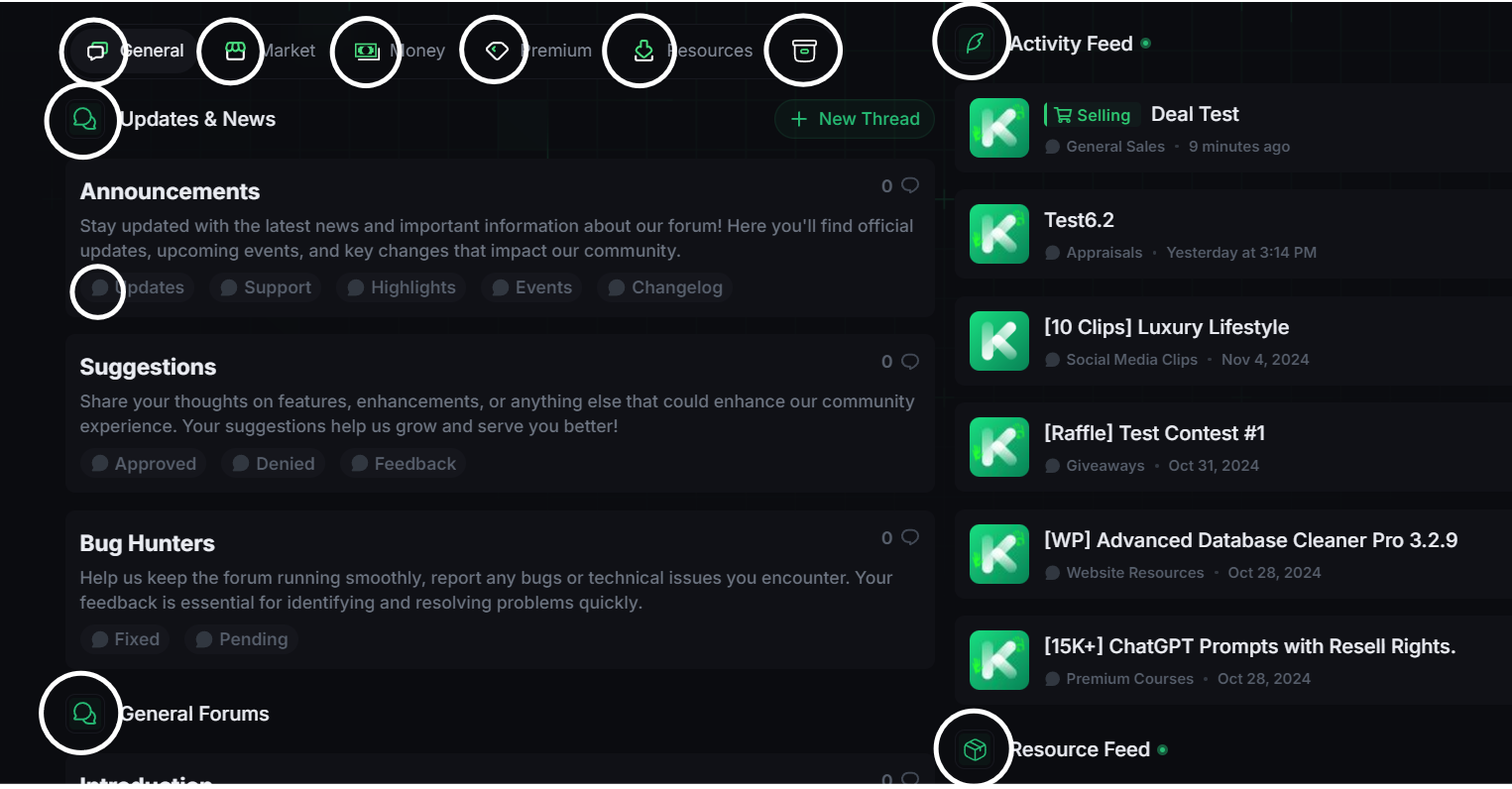
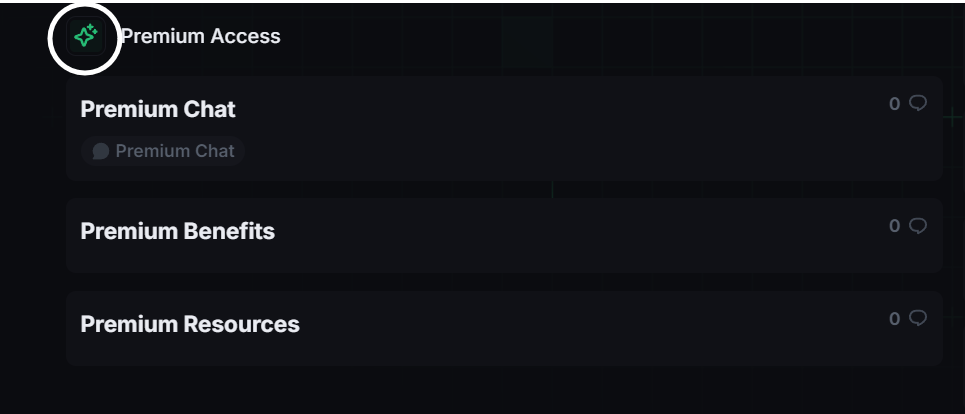
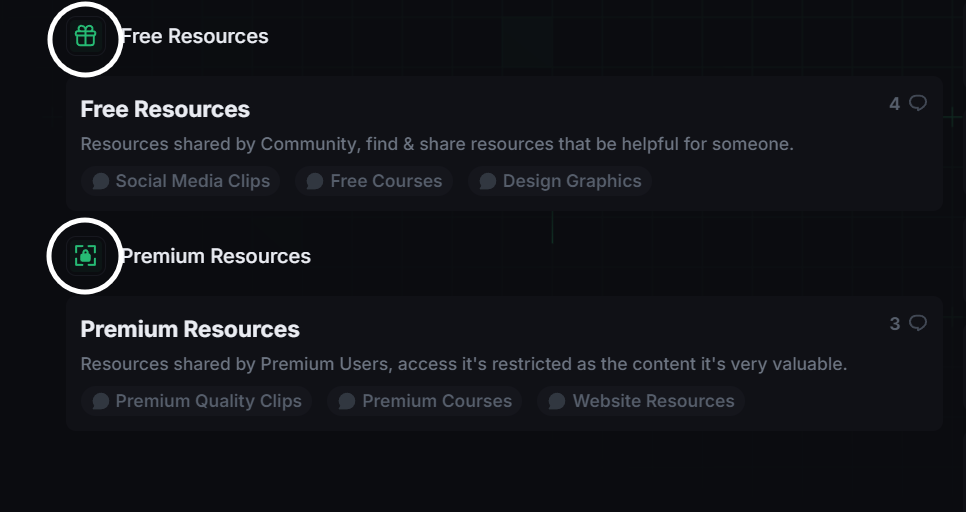
 Custom Icons for Nodes (Forums & Categories): Assign unique icons to each node (forum or category) on your forum’s home page. The icons can be used to represent different types of content (e.g., discussion, support, resources, events) or to add visual distinction between forums of the same type. Admins can use icons to emphasize important sections, or group similar topics together visually.
 -
 Icon Upload and Customization: Upload custom icons directly from the Admin Control Panel (ACP). You can use .png, .jpg, or .svg files, or link to external icon libraries like Font Awesome, Material Icons, or custom CDN resources. The addon allows the use of static or animated icons, offering additional visual interest. Admins can control the size and placement of the icons, adjusting them for the perfect fit with the design of the forum.
 -
 Font Awesome and Custom Icon Integration: The addon supports the Font Awesome icon library, allowing admins to easily use a wide range of pre-made icons without needing to upload separate image files. If desired, admins can also use custom icons from external libraries or even link to icons hosted on third-party CDNs.
 -
 Icon Position Control: Admins can choose where the icons are positioned relative to the forum title:Before the title: Icons appear to the left of the node title. After the title: Icons are positioned after the node title. Above or below the title: For a more striking visual effect, icons can be placed above or below the forum title. Adjust the spacing and alignment to ensure that icons do not interfere with the readability of forum titles or disrupt the overall page layout.
 -
 Custom Icon Styles and Hover Effects: Admins can apply custom CSS styles to the icons, such as changing their color, adding hover effects, or applying different styles for different user groups. For example, icons can change color when hovered over, adding a dynamic element to the forum navigation. Hover effects can be customized, such as transitioning to a brighter color, animating the icon, or adding a subtle shadow effect to draw attention.
 -
 Conditional Icon Display: Control the display of icons based on user group permissions or other conditions:Show different icons for different user groups (e.g., show a “VIP” icon only to premium members). Icons can also be hidden for specific user groups if desired, allowing for more dynamic and personalized navigation.
 -
 Easy Icon Management in ACP: Admins can easily manage icons through a user-friendly interface in the Admin Control Panel. The ACP interface allows for easy uploading, editing, and organizing of icons for each node. No need for complex template edits or coding to manage the icons, which makes it accessible for both experienced and novice administrators.
 -
 Multiple Icons Per Node (Pro Feature): In the Pro version, you can assign multiple icons to a single node, allowing for more complex visual cues. For instance, you could assign a “New” icon to a frequently updated forum or add a “Popular” icon next to a highly active forum. You can also combine icons, creating unique visual cues that combine multiple representations (e.g., a “Featured” forum with a star and fire icon).
 -
 Clear Cache and Bulk Actions: Admins can quickly clear the cache of icons if they need to update or refresh them across the forum. Bulk actions are supported, allowing admins to apply the same icon settings to multiple forums at once, saving time when configuring large forums with many nodes.